Ctrl Deck is a productivity-focused visual shortcut hub created to help users organize and access applications, files, folders, websites, and Windows shortcuts seamlessly. You can do all of this using its customizable visual dashboard. For productivity and workflow management, this is a great approach for making things faster, grouping project contexts together, preserving active sessions, and bringing actions right to your fingertips.
Ctrl Deck focuses on simplicity and customization, allowing users to design their own workflow layout based on personal or professional needs while keeping frequently used resources organized in a single location. With its recent major updates, it has evolved from a simple app launcher into a highly robust project state manager.
Shortcut management and productivity workflows
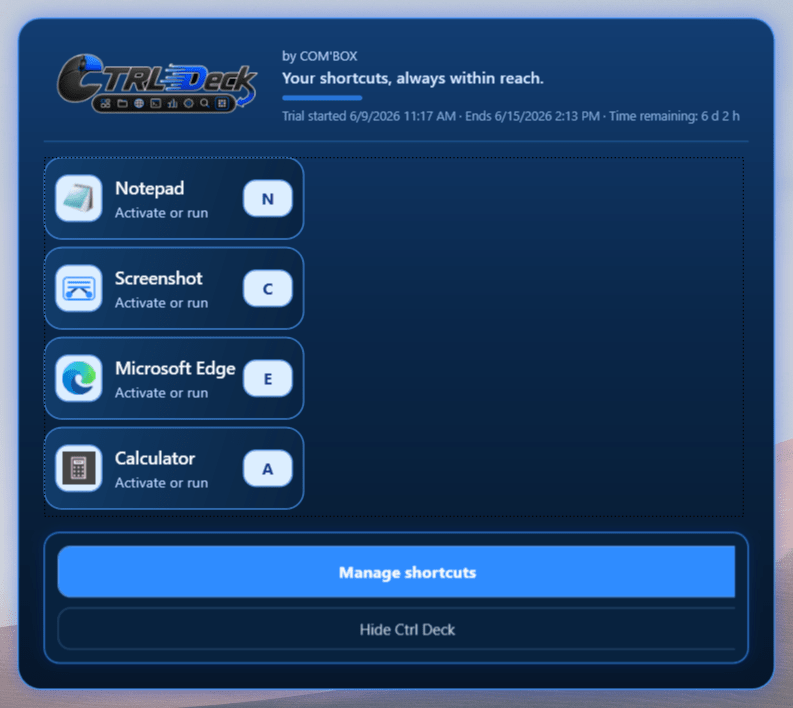
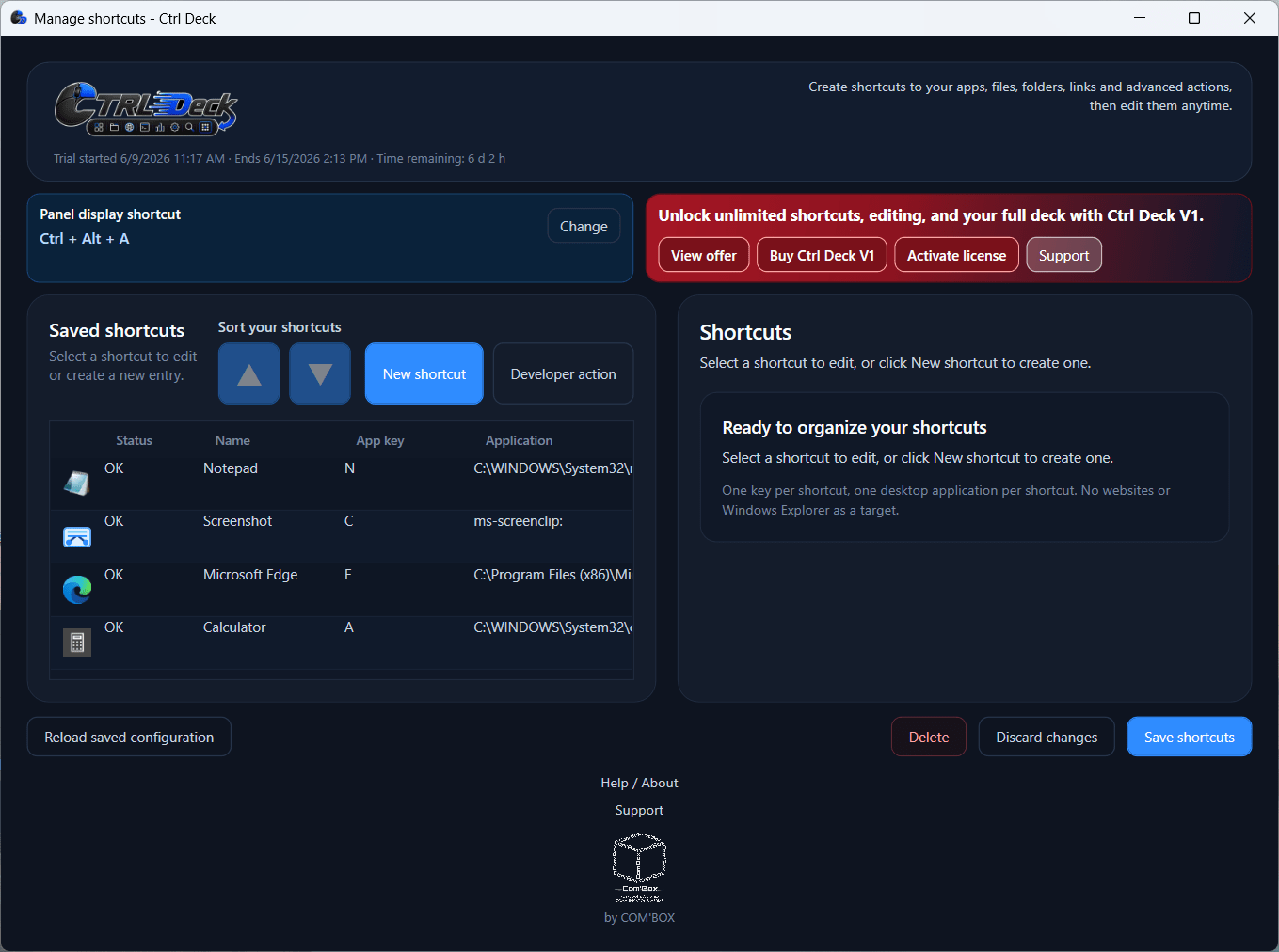
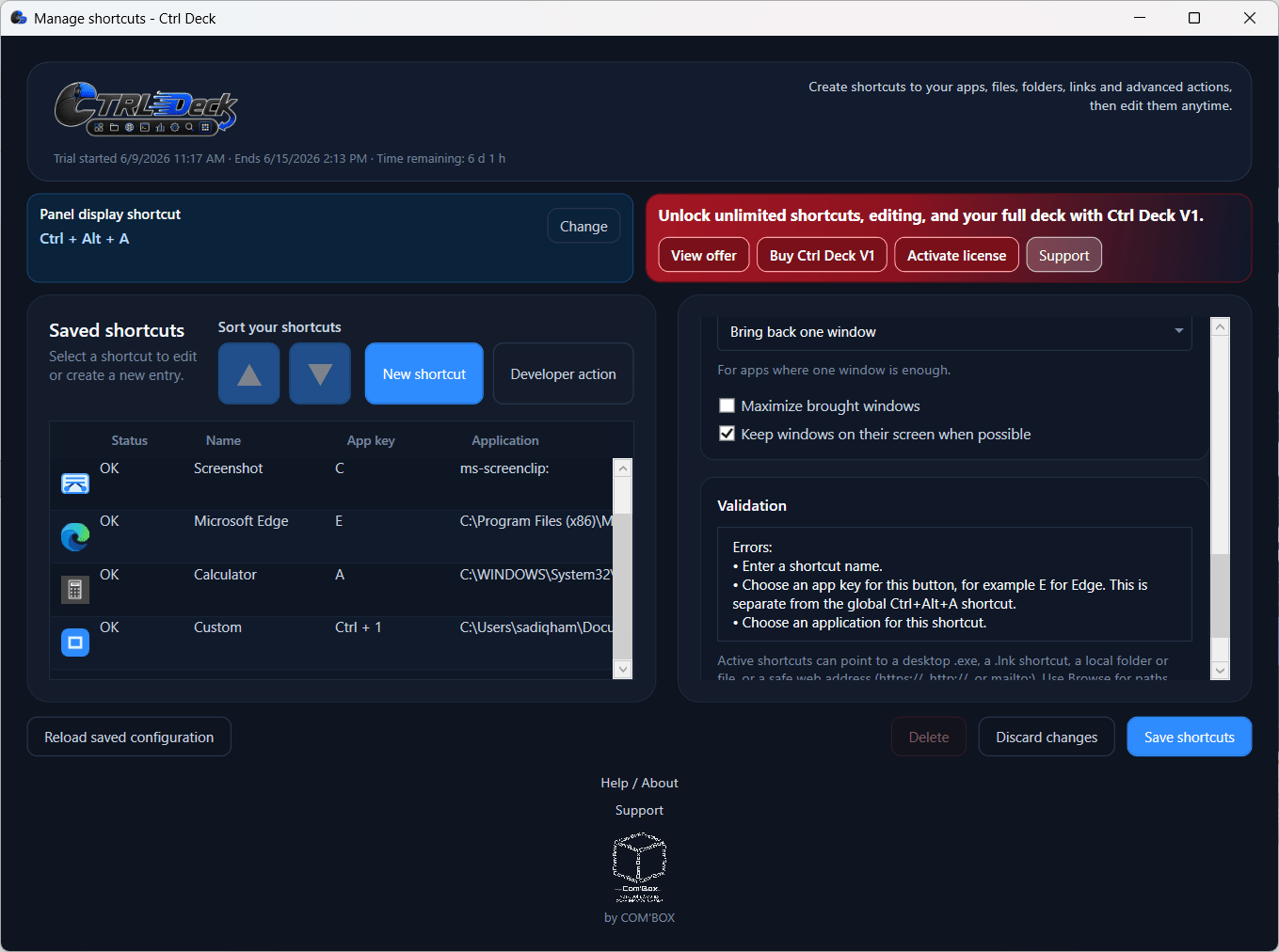
The core functionality of Ctrl Deck relies on its customizable shortcut system. Users can assign specific actions to buttons on a visual deck to perform them instantly, and the main panel supports robust internal and external drag-and-drop reorganization so you can arrange your layout naturally. Users can drag and drop shortcuts directly from Windows File Explorer.
To speed up the initial setup, the software now offers a first-step import for desktop shortcuts, taskbar items, and Chrome URLs. It also features a new APPS section that automatically scans your PC for installed applications and useful Windows tools. Instead of starting with a blank slate, users can begin with editable suggested groups.
The actions include, but are not limited to, the following:
- Opening files and folders (including documents, images, and videos)
- Launching local applications
- Accessing Windows shortcuts and URLs
The most commonly used options are accessing your favorite websites with a single click, opening system resources, and opening your most frequently used files and folders. Finding specific resources across your setup is now easier than ever, thanks to the newly integrated search fields.
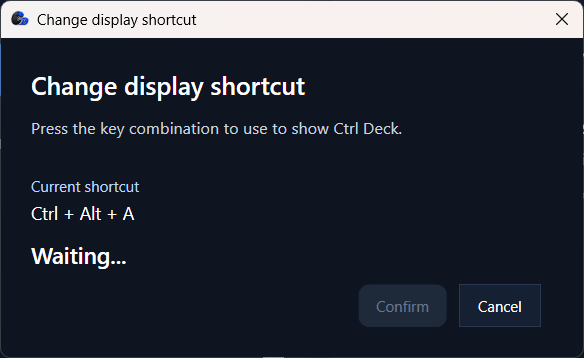
Every shortcut can be assigned its own custom keyboard hotkey, or it can be launched directly from the visual panel via a simple single-click. The panel is highly customizable to match your workflow; you can choose to keep it permanently visible, hide or show it instantly with one mouse click, or keep it completely invisible. As long as the app runs in the background, custom hotkeys can launch any item instantly without the panel ever appearing on screen.
Workspaces, Live Spaces, and project contexts
The standout feature of Ctrl Deck is its advanced Workspaces and Live Spaces functionality, which moves the app far beyond individual shortcuts. Resources linked to a specific project, client, or daily routine can be gathered in a visual group called Workspaces.
The most impressive addition in the latest updates is the innovative one-click capture system. Users can now capture an entire already - open work environment. This includes apps, folders, files, and links - and reopen that exact work context later in seconds. Additionally, the "Live Spaces" feature allows users to save an active work context after an interruption, and these can now be permanently converted into Workspaces if you want to keep them.
Upon opening a Workspace, a temporary working folder containing access shortcuts to all the relevant resources inside that group is created. Files can be opened, edited, and saved normally from this temporary hub. When the task is finished, the temporary folder disappears with all the changes remaining in the original files.
Developer Actions for advanced users
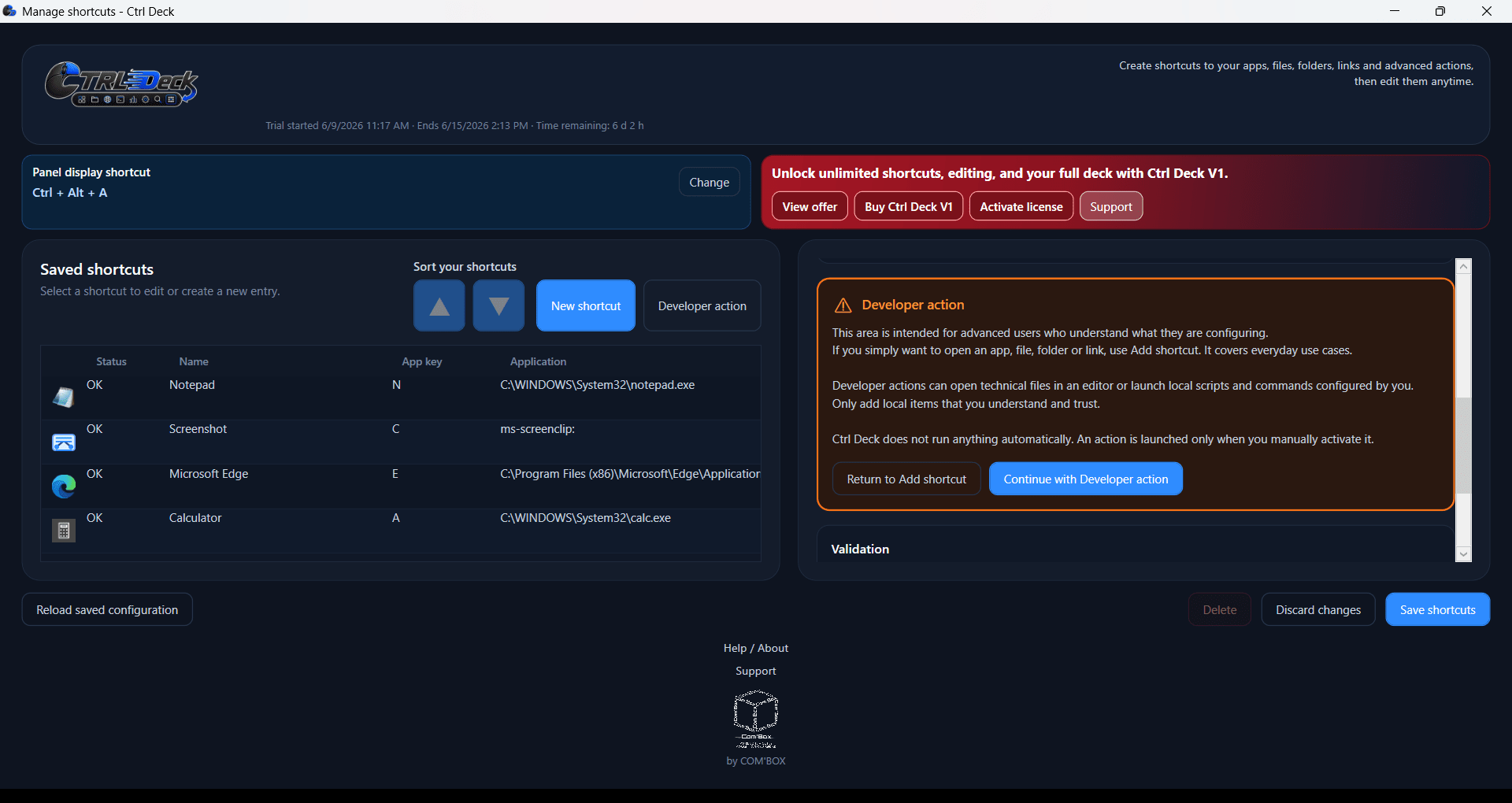
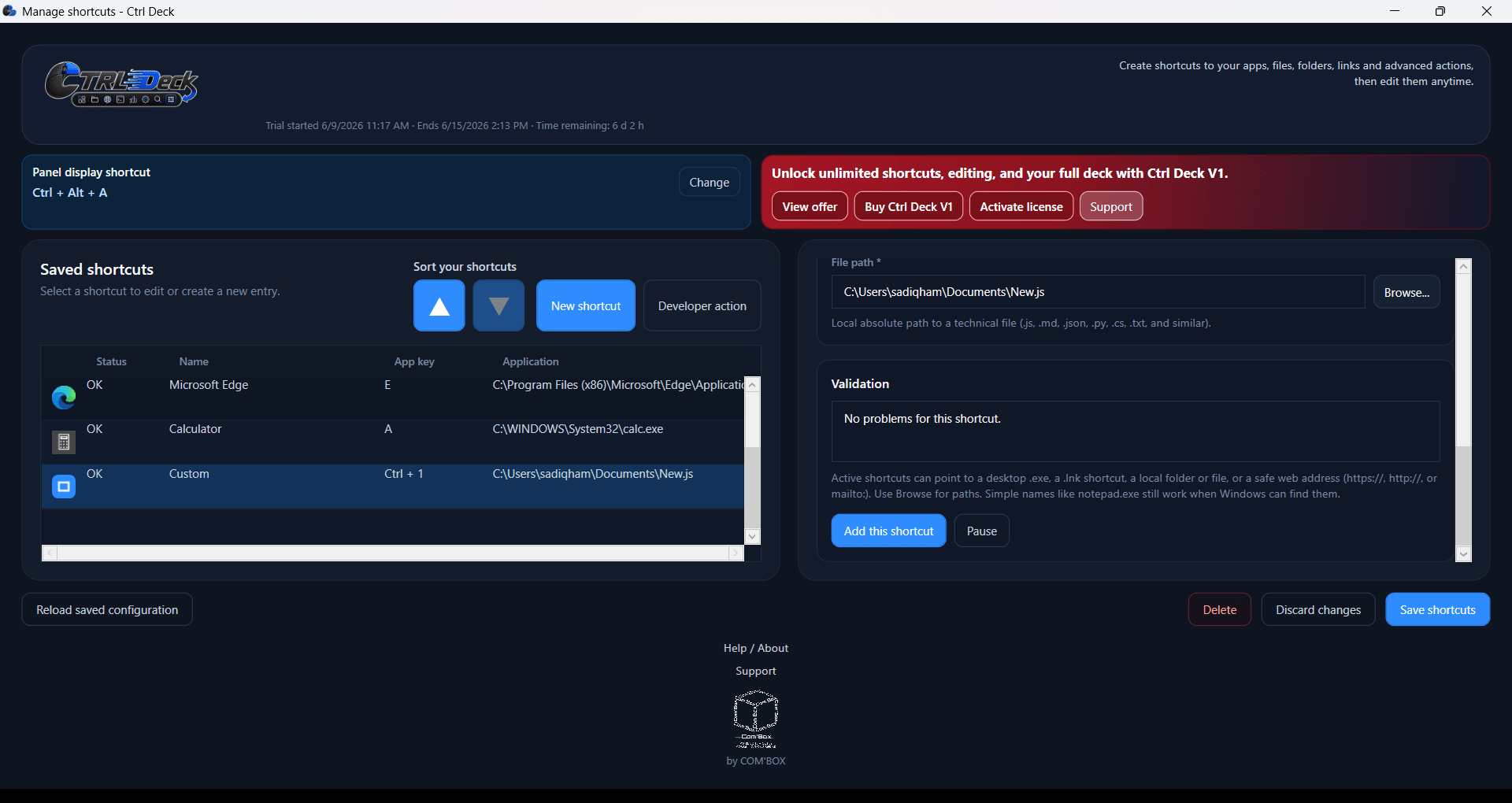
Ctrl Deck’s latest version introduced Developer Actions, which allow users to create advanced shortcuts to launch local scripts, commands, executables, and resources directly. Users can also specify command-line arguments and custom working directories, making the feature useful for development environments, administrative tasks, and technical workflows. The developers have built this with safety in mind - the app does not interpret scripts or run hidden background automation. To ensure clarity and safety for standard users, these actions are visually separated with an orange background and kept out of the Quick Start path. Execution requires explicit user intent, but you should still exercise caution and only execute technical scripts if you fully understand the commands.
Pricing and availability
Ctrl Deck offers a fully-featured 7-day free trial, which allows you to use as many shortcuts as you want. Beyond the trial period, the free version limits you to just two free shortcuts, while a one-time purchase will unlock the full version.
The developer occasionally runs promotional launch offers (such as early-adopter pricing), making it an affordable one-time investment for the value it provides.
A flexible shortcut hub for everyday users and technical professionals
Ctrl Deck offers a modern approach to enhancing productivity by turning shortcuts into a customizable visual dashboard that you can use to do so much more than traditional shortcuts. With the addition of Workspaces and the powerful one-click environment capture tool, it helps users retrieve a full working context from a single panel. For advanced users, Developer Actions expand the tool's capabilities further, allowing technical users to get faster access to executable scripts.