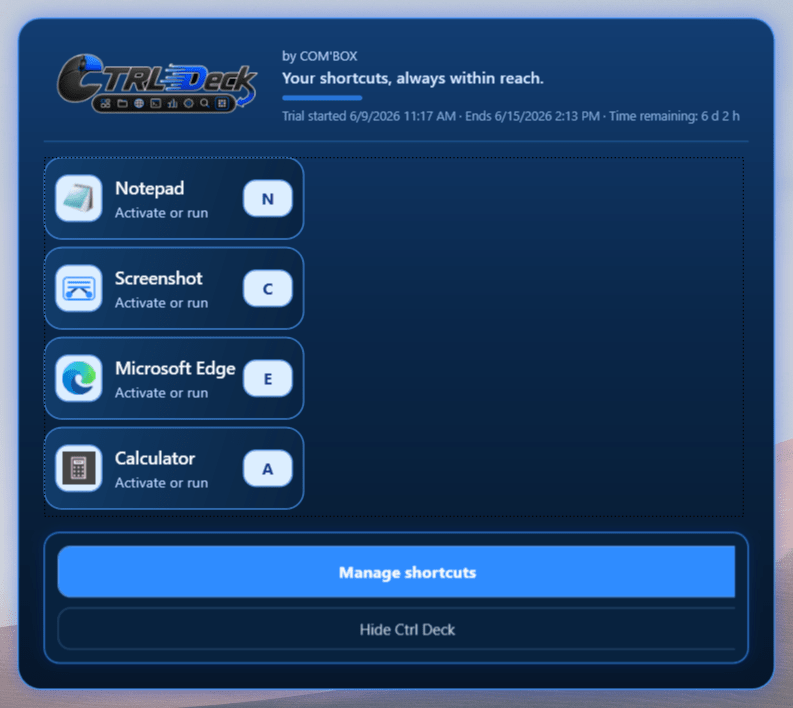
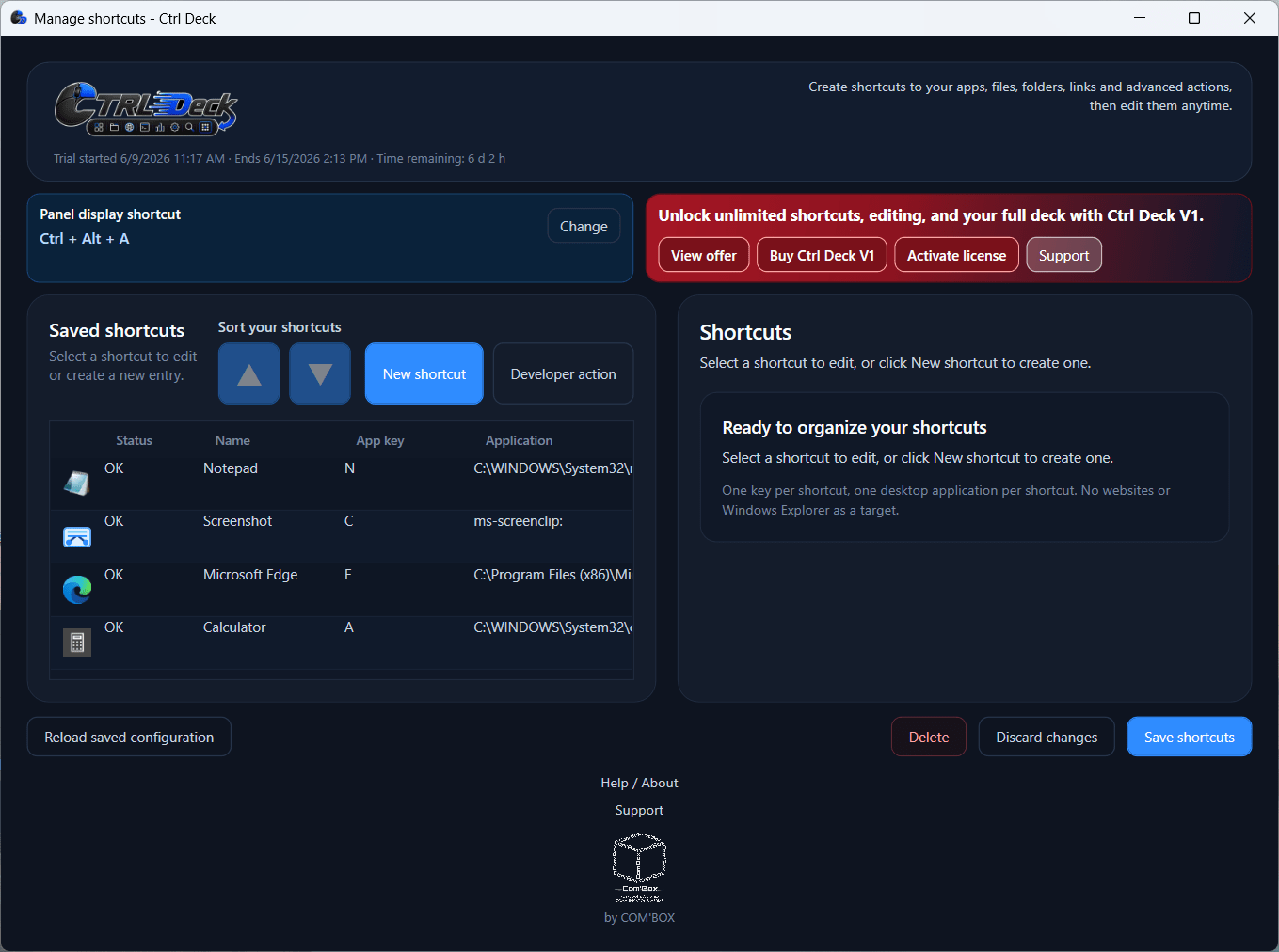
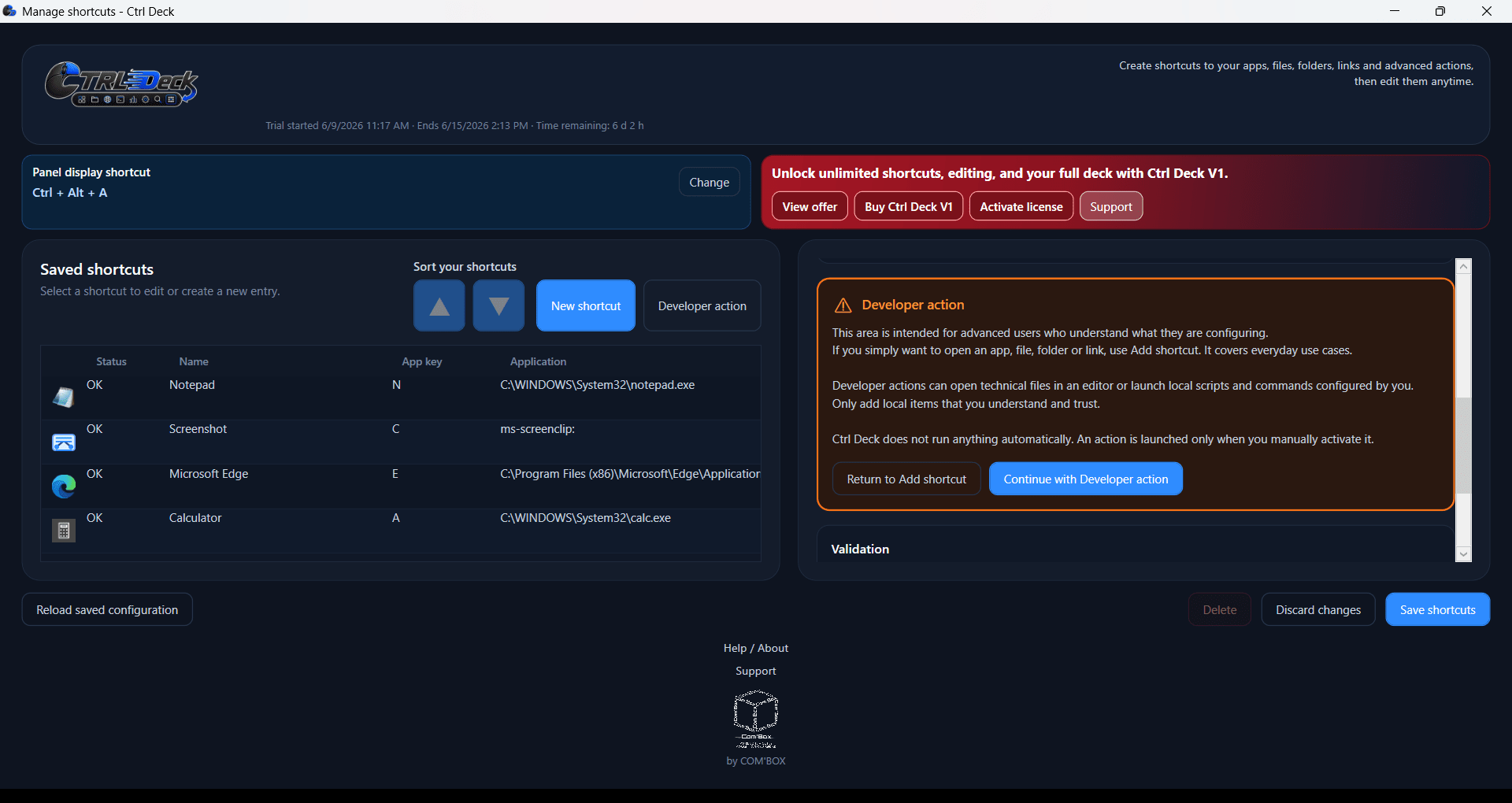
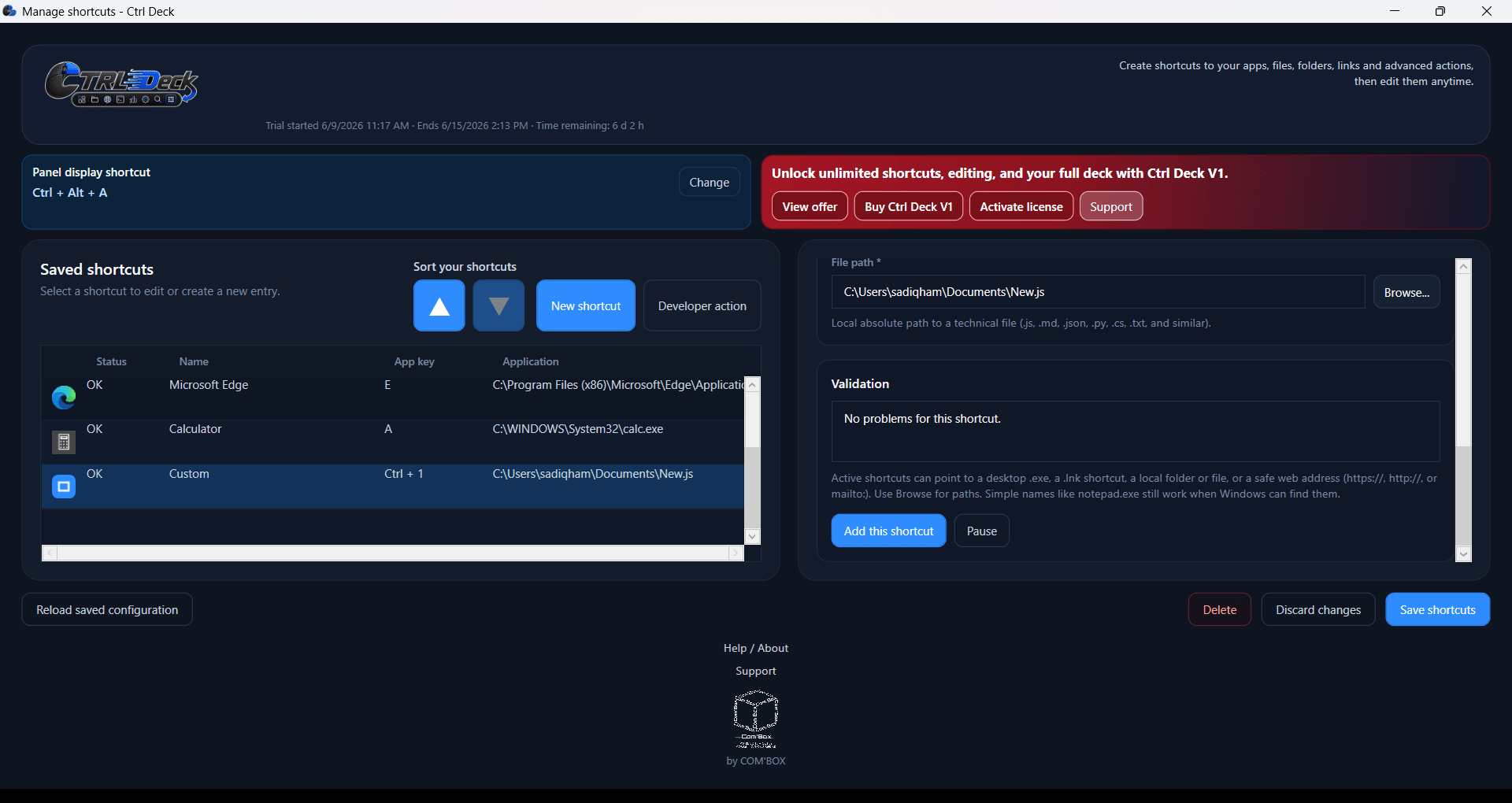
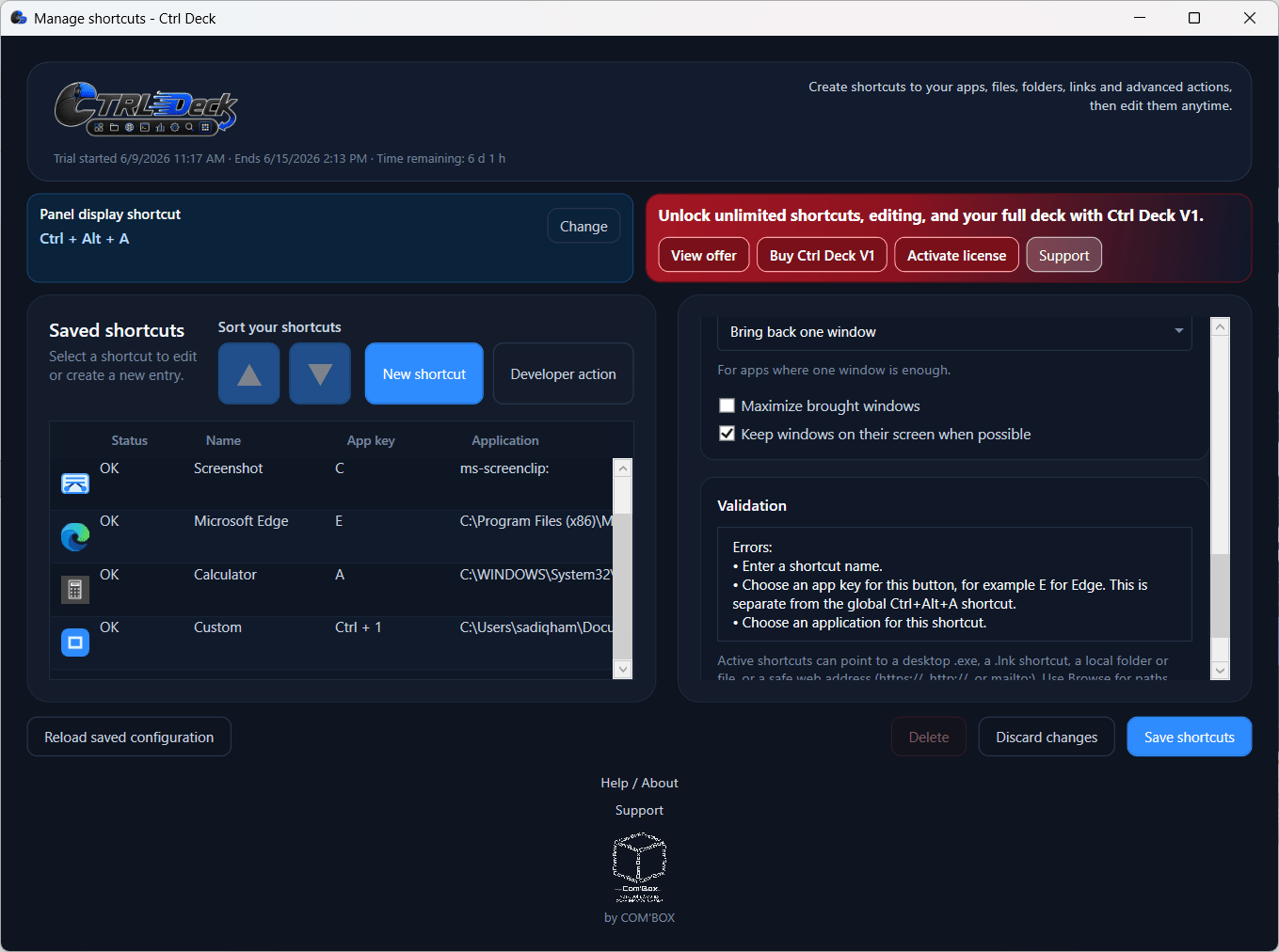
Ctrl Deck is a productivity-focused visual shortcut hub designed to organize your applications, files, folders, websites, and Windows shortcuts. It gathers everything into a customizable dashboard. For workflow management, this approach speeds up daily tasks, groups project contexts, and preserves active sessions.
The application lets you design layouts tailored to your personal or professional needs, keeping frequently used resources in one location. With recent updates, it has evolved from a simple app launcher into a comprehensive project state manager featuring a clearer, optimized interface where personalization options and license management are instantly accessible.
Shortcut management and productivity workflows
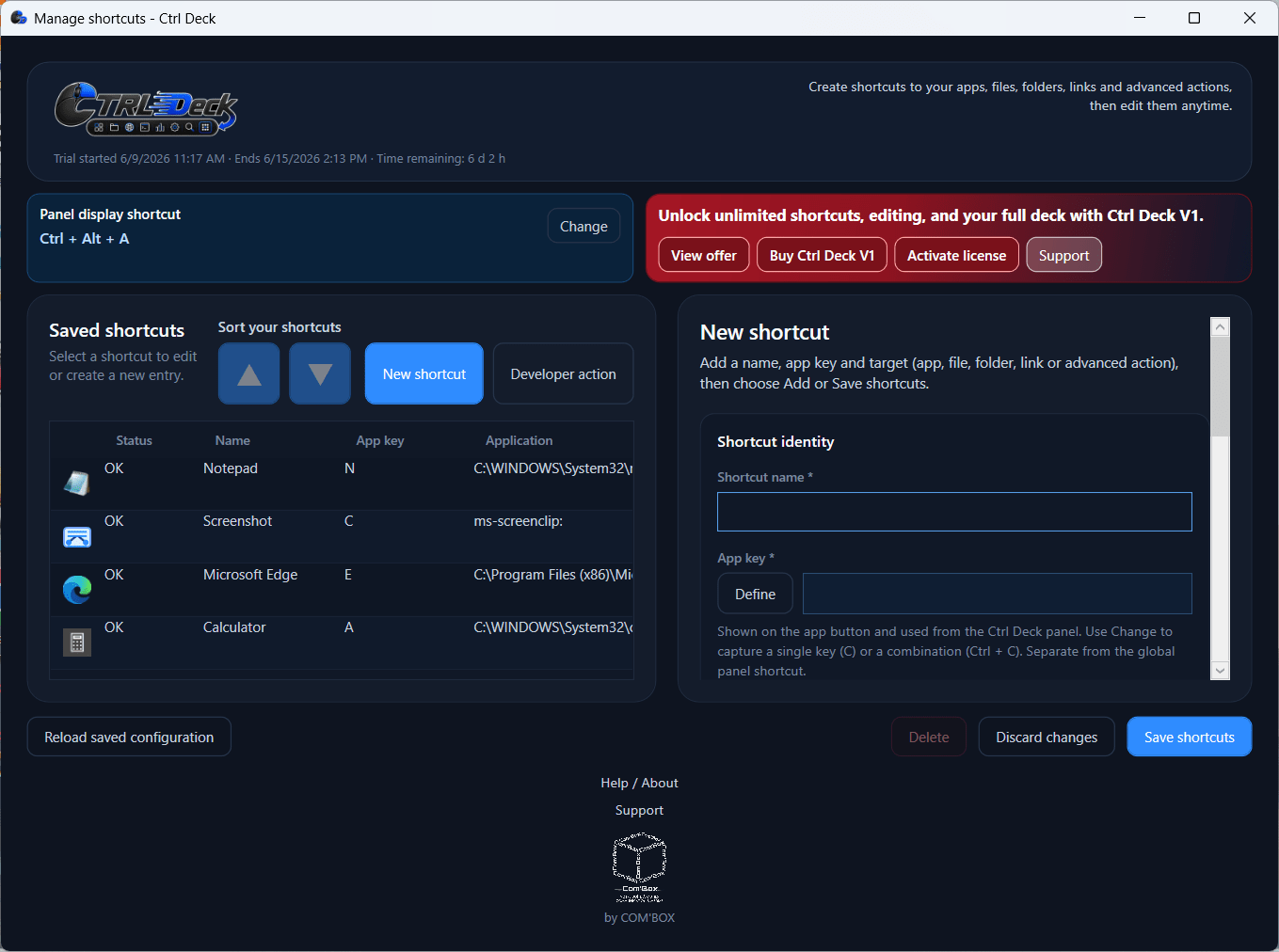
The core functionality relies on a highly customizable shortcut system. You can assign specific actions to buttons on a visual deck for instant execution, and now mark Groups, Workspaces, and important applications as Favorites so your most relied-upon items remain immediately accessible. The main panel supports external drag-and-drop reorganization, letting you pull items directly from Windows File Explorer to arrange your layout naturally.
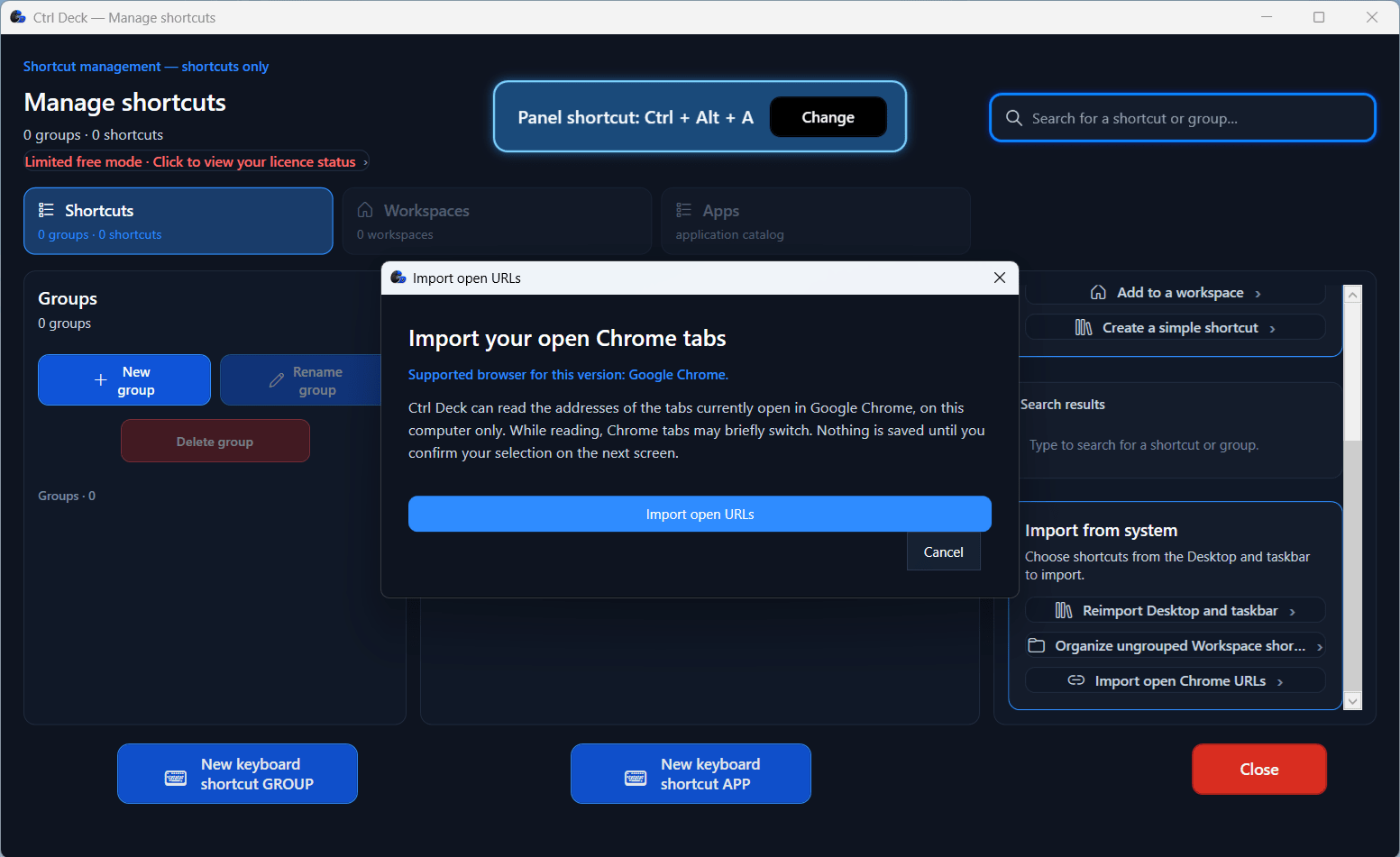
To speed up the initial setup, the software includes an import tool for desktop shortcuts, taskbar items, and Chrome URLs. A dedicated APPS section also scans your PC for installed applications and native Windows tools, offering editable suggested groups rather than forcing you to start from a blank slate. Application detection and feedback have also been improved so users can better understand what the software has found.
Supported actions include:
- Accessing Windows shortcuts and URLs
- Launching local applications
- Opening files and folders (including documents, images, and videos)
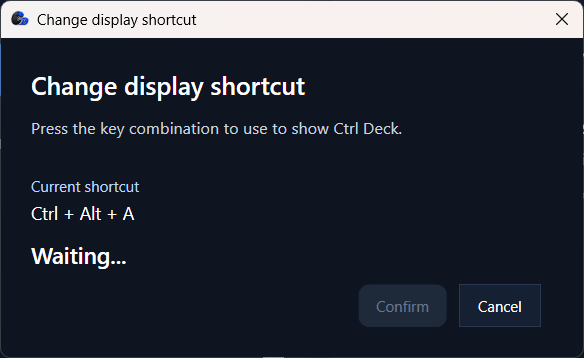
Finding specific resources across a massive setup is fast thanks to integrated search fields. You can assign a custom keyboard hotkey to any shortcut or launch it directly from the visual panel with a single click. The panel adapts to your workflow; you can pin it permanently, toggle it with a mouse click, or keep it entirely invisible. While running in the background, custom hotkeys trigger items instantly without ever displaying the dashboard.
Workspaces, Live Spaces, and project contexts
Workspaces and Live Spaces push the application far beyond individual shortcuts. You can gather resources linked to a specific project, client, or daily routine into a distinct visual group called a Workspace.
A major addition is the one-click capture system. You can instantly capture an already-open work environment, including active apps, folders, files, and links, and reopen that exact context later in seconds. The Live Spaces feature acts as a safety net, letting you save an active context after an unexpected interruption. You can later convert these Live Spaces permanently into standard Workspaces.
Opening a Workspace generates a temporary working folder filled with access shortcuts to all relevant resources inside that group. You can open, edit, and save files normally from this temporary hub. Once the task finishes, the temporary folder vanishes, while all changes remain safely saved in the original files.
Pricing, localization, and availability
Ctrl Deck operates on a licensing model that includes a 14-day free trial with unrestricted shortcut creation. Once the trial expires, the software drops to a free tier limited to just two shortcuts. Upgrading to a one-time lifetime license unlocks the full version permanently without recurring subscriptions.
Because the final cost depends on the tier chosen or active promotions, you should check the official website for current rates. Additionally, the software is now available in 10 languages: English, French, German, Italian, Spanish, Portuguese, Simplified Chinese, Japanese, Korean, and Hindi.
A flexible shortcut hub for everyday users and professionals
Ctrl Deck modernizes desktop productivity by turning scattered shortcuts into a customizable visual dashboard. The addition of Workspaces, Favorites, and the environment capture tool helps you instantly retrieve a full working context from a single panel. A completely rebuilt Quick Start guide now walks users through the product step by step with annotated screenshots and video demonstrations, ensuring you can easily master advanced features. Whether you need to tidy up a chaotic desktop or manage intensive multi-app projects, this utility delivers exceptional structural organization.